
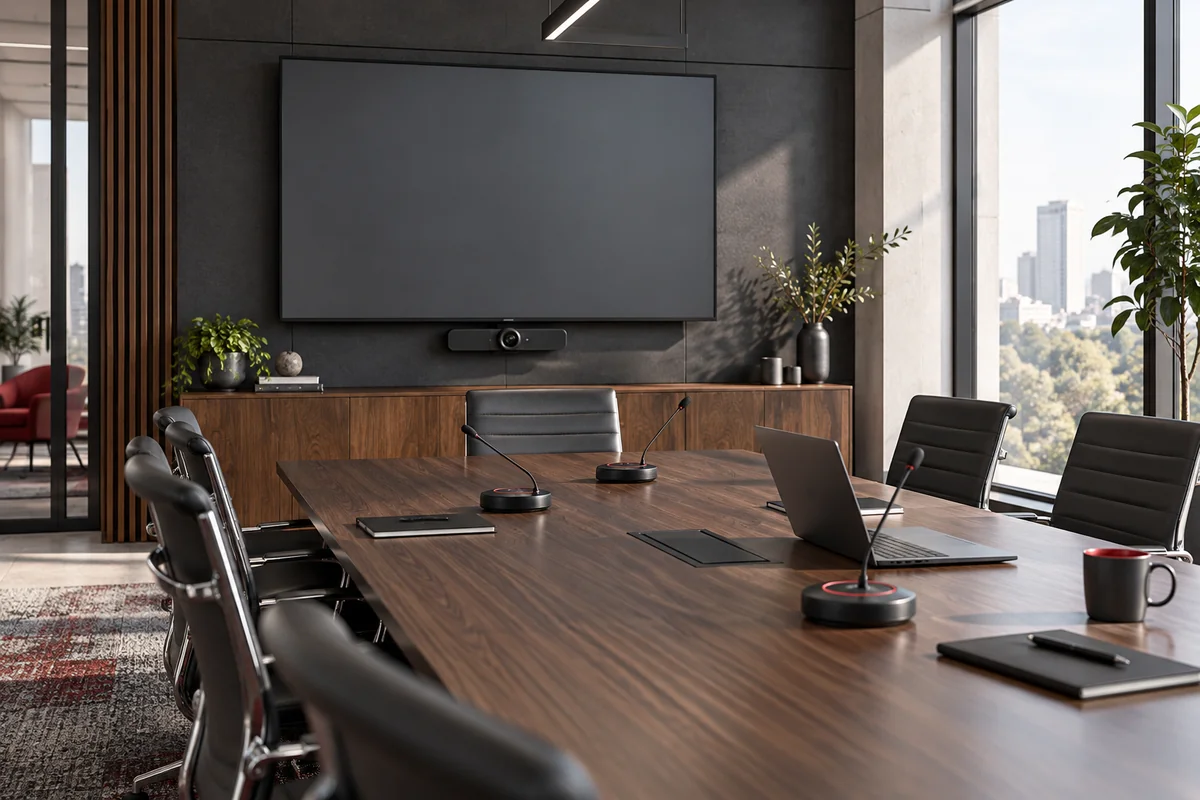
Make meetings, presentations, and shared spaces work better. We integrate audio and visual systems for rooms of different sizes, with attention to clear sound, useful displays, and everyday usability.
We plan commercial audio and visual systems from our Harrisburg base for Central Pennsylvania organizations and regional projects. Meeting-room requirements should reflect presenters, remote participants, room layout, and the people who will operate the equipment.
Build the room around the meeting.
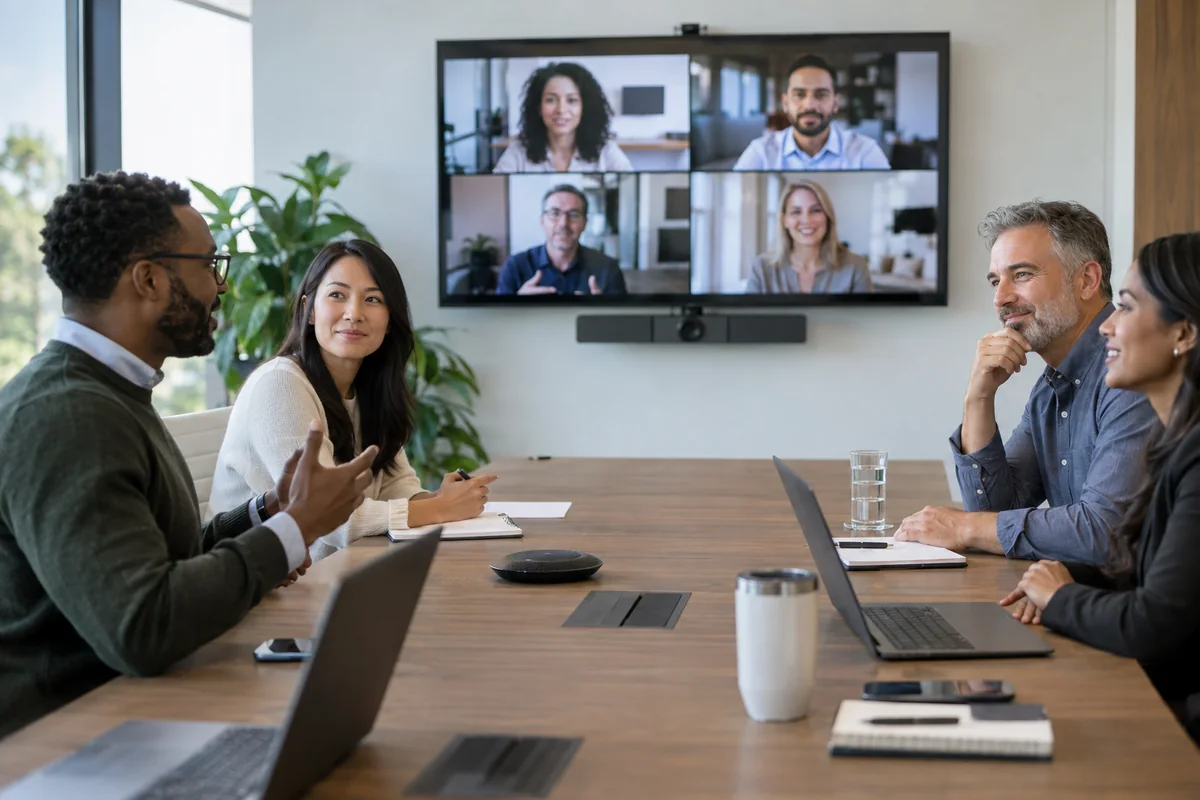
The right room is easy to join, easy to present in, and useful to people on both sides of the call. We discuss the meeting format, seating, sightlines, sound, conferencing platforms, and user controls before choosing the components. Everyday usability stays part of the acceptance review.
How we can help
01
Meeting-room planning
Start with the room layout, participant needs, presentation content, and collaboration platforms your team actually uses.
List the meetings the room needs to support: hybrid discussions, training, presentations, or document review. A few representative scenarios help define a useful primary workflow without adding unnecessary complexity.
02
Displays and presentation systems
Select and integrate displays, sources, and connections around viewing distances, room use, and accessibility.
Review the content from the seats where participants will use it. Display position, viewing conditions, source connections, and the ordinary presenting devices all affect whether shared material is useful.
03
Audio and conferencing
Plan microphones, speakers, cameras, and conferencing functions for in-room and remote participants.
Remote attendees need a clear conversation, not just a working microphone. Include speech from representative seats and normal room noise in the design and validation discussion.
04
System controls and integration
Make common tasks easier with a consistent control approach and clear connections between the components.
Write down the steps for starting a meeting and sharing content. Labels and controls should support that path, with a clear way to recover if the wrong source or device is selected.
05
Installation, handover, and training
Test representative meeting scenarios and provide practical instructions that your staff can follow.
Acceptance should include a complete meeting with a remote participant and a representative staff user. A short room guide and current support contacts help the next person use the system confidently.
Designed for your next step
Know what the project includes.
The final scope is agreed for your site. A useful conversation covers the work, its dependencies, and the records your team needs afterwards.
- A defined meeting and participant requirement
- An agreed room equipment and control approach
- Realistic meeting and presentation tests
- A concise user guide and maintenance ownership
Before we begin
What to bring to the conversation
Share room photographs or a floor plan, typical participant numbers, your conferencing platforms, and the devices people bring. Tell us which current tasks cause trouble and whether the room needs to support several meeting types. A demonstration of the present workflow is often a useful starting point.
A practical approach to your project
01
Understand the environment
Discuss your site, existing systems, priorities, and the operating conditions that affect the work. Identify what is known and what needs an assessment.
02
Agree and deliver the scope
Review the proposed work, installation access, dependencies, responsibilities, and schedule. Keep changes visible and coordinate the work with the people using the site.
03
Check and hand over
Review the agreed tests and completed work. Explain the records, practical operating tasks, outstanding items, and the support arrangements relevant to the project.
Questions about audio & visual systems
Can you improve an existing conference room?
Yes. Tell us what currently causes problems—sound, displays, connections, remote participation, or controls—and we can discuss the room’s needs.
Do you support smaller rooms as well as larger spaces?
Our existing services cover rooms of different sizes. The design should match the people and uses of each space.
Can you work with our existing conferencing platform?
Share the platform and equipment you use so compatibility can be considered during design.
Where we work
Based in Harrisburg, we serve Central Pennsylvania, including State College. We also consider planned commercial projects throughout Pennsylvania, including Pittsburgh, Philadelphia and Erie, when the scope and travel arrangements make sense. Projects in surrounding states and farther afield are considered individually. Explore our service areas.
A Harrisburg base. Regional project reach.
Plan a project in your area
Explore the regional pages for project context, services, and the information to share before planning work.

A real conversation. A practical next step.
Have a project in mind?
Tell us about the site, the systems, and the result you need.
Plan with confidence
Practical guides to help you ask the right questions.